Boost Your Beauty Business: The Ultimate Salon Till System Guide
Discover how a modern salon till system can revolutionize your beauty business operations, from seamless checkout to insightful reporting. Learn setup and daily use.
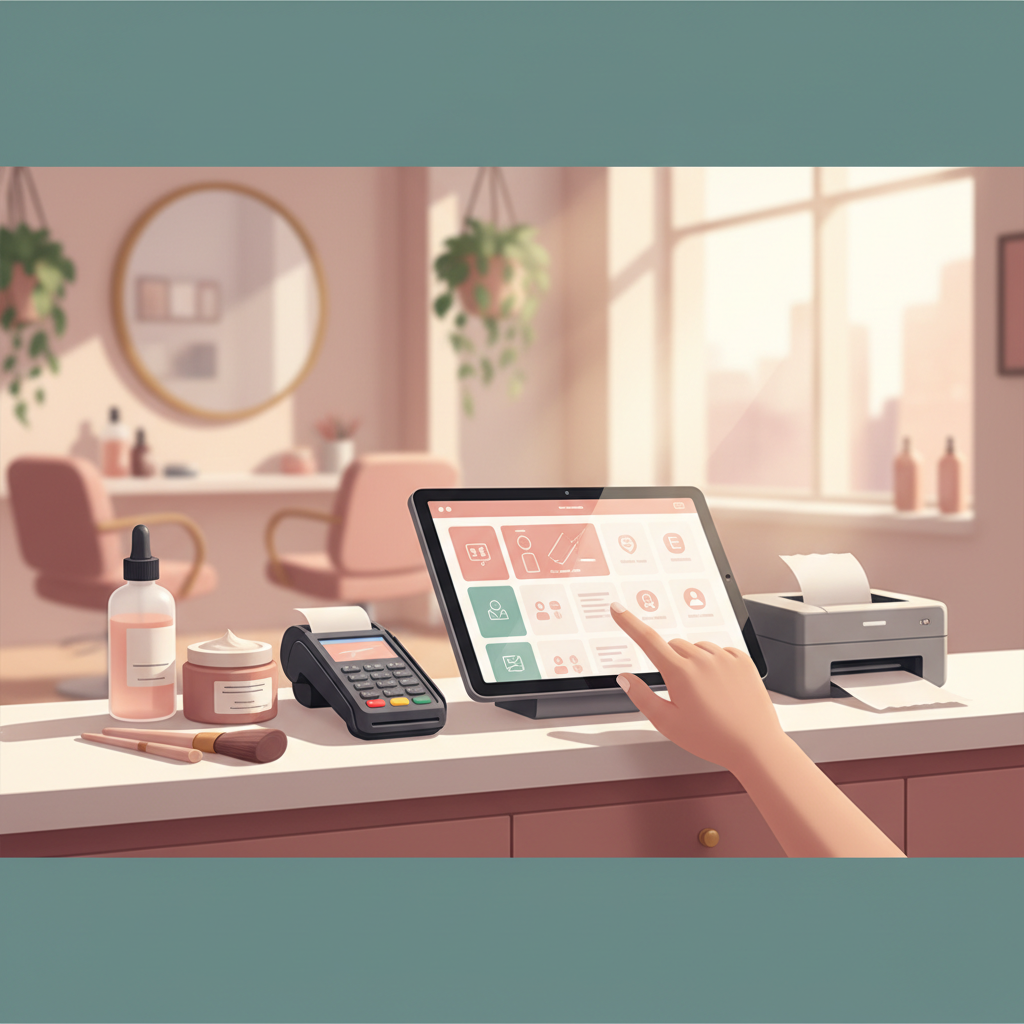
A beauty salon till system is more than just a cash register; it's the central nervous system for managing sales, appointments, and client data in your salon. Implementing an integrated point-of-sale (POS) solution streamlines operations, enhances client experience, and provides crucial insights for growth, moving beyond outdated manual processes to efficient digital management.
Why Your Beauty Salon Needs a Modern Till System
Traditional cash registers and manual booking systems often create bottlenecks, lead to errors, and waste valuable time. A dedicated till system for beauty professionals, like those offered by Boeked, transforms these challenges into opportunities. It integrates various aspects of your business, from booking and payment processing to inventory management and client history, into one cohesive platform.
Streamlined Operations and Efficiency
Imagine a world where clients can book online, pay effortlessly, and their service history is instantly accessible. A modern salon point-of-sale system makes this a reality. It reduces administrative burden, allowing you and your team to focus more on delivering exceptional services. For example, processing a client's payment and retail purchase takes seconds, not minutes, ensuring a smooth transition for the next appointment.
Enhanced Client Experience
Clients appreciate efficiency. A quick, accurate checkout process, the ability to store payment preferences securely, and instant digital receipts all contribute to a premium experience. When your team isn't fumbling with paper records or slow payment terminals, they can dedicate more attention to the client, building stronger relationships and encouraging repeat business.
How Do You Set Up a Till System for a Beauty Salon?
Setting up your beauty salon till system involves a few key steps to ensure it aligns with your specific business needs. The goal is a seamless transition that minimizes disruption and maximizes efficiency from day one.
Step-by-Step Setup Guide:
- Choose the Right Software: Select a platform designed for beauty and wellness professionals. Look for features like appointment scheduling, client management, retail sales, inventory, and analytics. Boeked, for instance, offers a comprehensive suite tailored for independent service professionals.
- Import Client Data: If you're transitioning from another system or spreadsheets, import your existing client database. This includes contact information, service history, and any notes. This ensures continuity and avoids re-entering data.
- Configure Services and Products: Input all your salon's services, including pricing, duration, and associated staff members. Add your retail products, setting up inventory levels, pricing, and tax rates. This forms the backbone of your POS system.
- Set Up Staff Profiles and Commissions: Create profiles for each team member, assigning their services, working hours, and commission rates. This automates commission calculations and accurately tracks individual performance.
- Payment Gateway Integration: Connect your system to a secure payment gateway (like Stripe) to accept credit/debit cards, contactless payments, and process online transactions. This is crucial for modern payment processing.
- Customize Settings and Preferences: Tailor your booking page, client communications (reminders, confirmations), receipt templates, and reporting preferences to match your brand and operational flow.
- Training and Testing: Train your team thoroughly on all aspects of the new system – from booking appointments and checking clients out to managing inventory and reviewing daily reports. Conduct test transactions to ensure everything works flawlessly before going live.
What Features Are Essential for Daily Till System Use in a Salon?
For daily operations, your salon's cash register system needs to be intuitive, robust, and capable of handling various tasks efficiently. Here are the must-have features:
Efficient Checkout and Payment Processing
The core function of any POS system is checkout. Look for a system that allows quick selection of services and products, applies discounts, calculates VAT, and accepts multiple payment methods (cash, card, gift cards). The ability to split payments or process refunds smoothly is also vital. A good system should also generate professional digital or printed receipts and integrate with online payments for deposits and prepayments, reducing no-shows.
Client Management and History
Beyond just transactions, a powerful salon checkout system should link directly to comprehensive client records. This includes contact details, past services, product purchases, preferences, intake forms, consent forms, and even before-and-after photos. This rich data helps personalize services, recommend suitable products, and build lasting client relationships. For example, a quick glance at a client's profile before their appointment can remind you of their preferred styling products or any specific allergies.
Inventory and Retail Management
For salons selling retail products, integrated inventory management is a game-changer. It tracks stock levels in real-time, alerts you when products are running low, and helps you identify best-sellers. This prevents stockouts of popular items and allows for smarter purchasing decisions. Accurate inventory directly impacts your profitability, and a modern salon POS system ensures you have the right products on hand.
Reporting and Analytics
Daily use also extends to understanding your business's performance. A robust till system provides detailed reports on daily sales, revenue per service, average transaction value, busiest hours, and staff performance. These insights are invaluable for identifying trends, optimizing scheduling, setting goals, and making informed business decisions to drive growth. For instance, knowing your peak hours helps you optimize staffing levels.
Frequently Asked Questions About Salon Till Systems
How does a till system prevent booking errors and no-shows?
Modern till systems, especially those integrated with booking platforms like Boeked, automatically update availability in real-time, preventing double bookings. They also send automated appointment reminders via email or SMS, significantly reducing no-show rates. Features like online deposits can further protect against lost revenue from cancellations.
Can I manage multiple staff members and their commissions with a till system?
Absolutely. A key benefit of an integrated beauty salon till system is robust staff management. You can set individual working hours, assign services, and automatically calculate commissions based on predefined rates. This streamlines payroll, ensures fairness, and provides transparency for your team.
Is a cloud-based till system more secure than traditional desktop software?
Generally, yes. Cloud-based systems store your data securely on remote servers, protected by professional-grade encryption and regular backups. This means your data is safe even if your physical hardware fails, and you can access your business information from anywhere. Updates are also automatically applied, ensuring you always have the latest features and security patches.
Embracing a dedicated till system for your beauty salon is a strategic investment that pays dividends in efficiency, client satisfaction, and profitability. By streamlining daily operations and providing actionable insights, it empowers you to focus on what you do best: making clients look and feel beautiful.
Ready to elevate your salon's operations? Start your free trial today and experience the difference a modern salon till system can make.